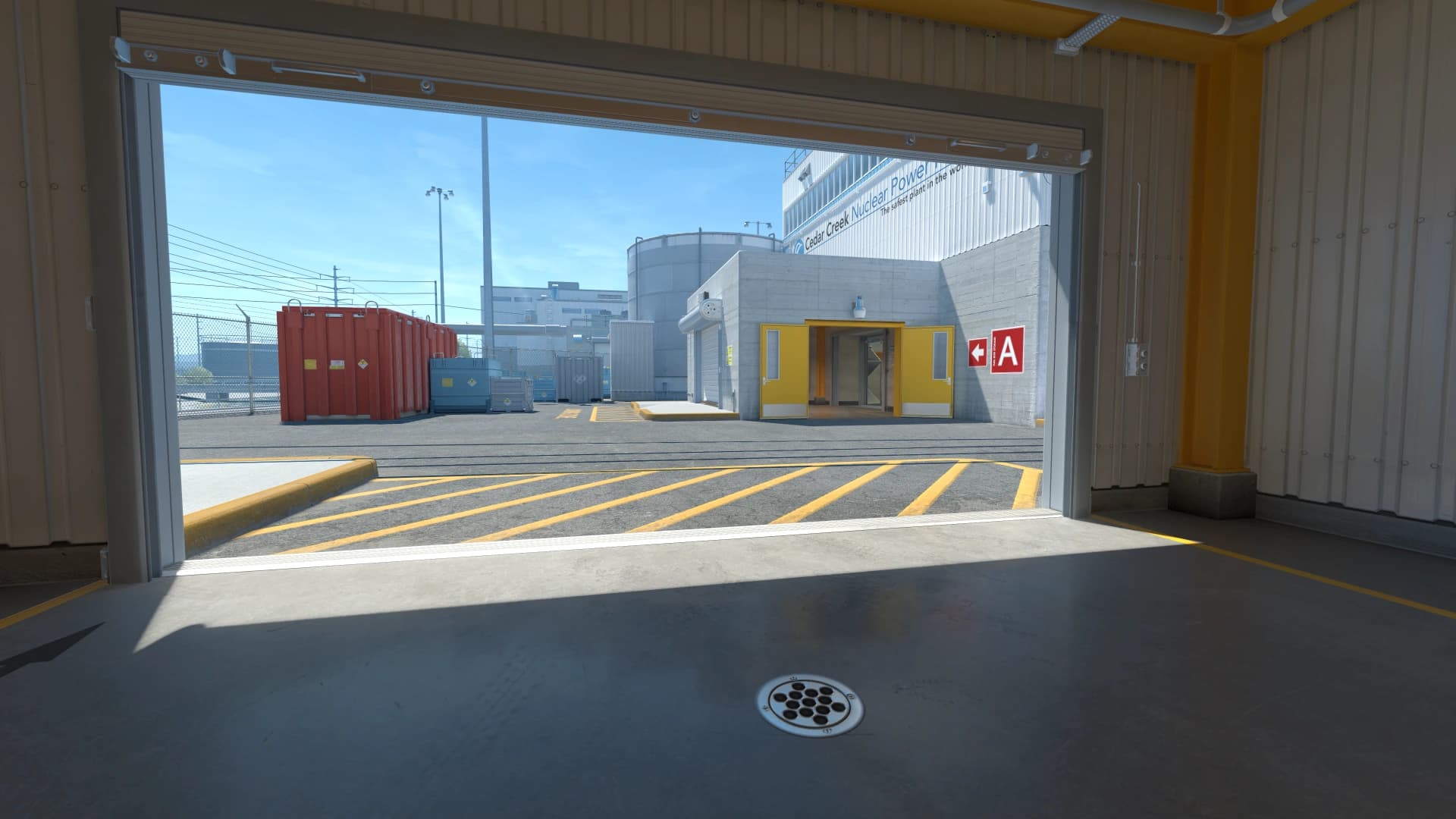
What Black Bars vs Stretched changes
Black bars can create a focused, centered image. Stretched can make models and crosshair elements feel wider. Both are valid if the result helps you play cleaner.
Black bars and stretched can use the same base resolution but feel very different. One narrows the image, while the other expands it across the display.
A strong CS2 scaling style setup should make real rounds easier to read. It should reduce hesitation, preserve comfort, and stay predictable when the match becomes noisy.
- Focus on the problem the setting is meant to solve.
- Keep changes easy to explain and easy to undo.
- Judge the result in match-like situations.
- Avoid copying values without context.
Recommended Black Bars vs Stretched baseline
Choose a 4:3 resolution, test it with black bars, then test the same resolution stretched. Do not change crosshair or sensitivity until the scaling comparison is done.
- Start with a simple setup before adding advanced tweaks.
- Save the old version before testing.
- Change one major setting at a time.
- Keep the setup stable for more than one session.
How to test Black Bars vs Stretched
Run the same entry path, long-angle hold, and retake on both scaling modes. Watch how enemy speed, target width, and crosshair size feel.
- Use the same routine for each comparison.
- Keep unrelated settings unchanged.
- Take notes after the session.
- Confirm results across several maps or drills.
Black Bars vs Stretched by role and map
AWPers may prefer the calmer focus of black bars, while riflers may like stretched target feel. The role pattern is not strict, so test your actual fights.
- Test the setting in the fights your role actually takes.
- Check at least two maps with different visual styles.
- Prioritize repeated problems over one-off discomfort.
- Keep role-specific changes documented.
Using Black Bars vs Stretched in matches
In matches, scaling should reduce visual hesitation. If a scaling mode makes you over-flick, lose edge information, or dislike motion, choose the other one.
- Use it for a full map session before calling it final.
- Watch how it behaves in pistol rounds, buys, and retakes.
- Keep notes after real matches.
- Revert if it creates hesitation under pressure.
Black Bars vs Stretched mistakes to avoid
The mistake is thinking stretched is always more competitive or black bars are always outdated. The best option is the one you can read and control consistently.
- Do not change several major settings at once.
- Do not copy settings that do not fit your hardware or role.
- Do not delete the previous stable version.
- Do not judge only from screenshots or warmup.
When to revisit Black Bars vs Stretched
Revisit scaling after changing monitor size, GPU settings, aspect ratio, or if your crosshair starts looking too large or too small.
- Review after hardware or resolution changes.
- Review after major CS2 or driver updates.
- Review when the same issue repeats across sessions.
- Avoid emergency changes right before serious matches.
Black Bars vs Stretched checklist
Use this checklist when tuning CS2 scaling style. It keeps the process structured and prevents the usual cycle of random changes.
- Use the same base resolution for both tests.
- Confirm GPU or display scaling is doing what you expect.
- Compare enemy motion speed and target width.
- Retune crosshair only after choosing scaling.